Own project · Gaming · AI · 2026
Claude Deck
Ask Claude about your game without leaving it
- Role
- Solo build
- When
- October 2026
- Built with
- TypeScript, Python, Claude Code
- Status
- v0.9, open source
- 29
- features across six versions
- 6,500
- lines of code and docs
- 0
- trips to Desktop Mode
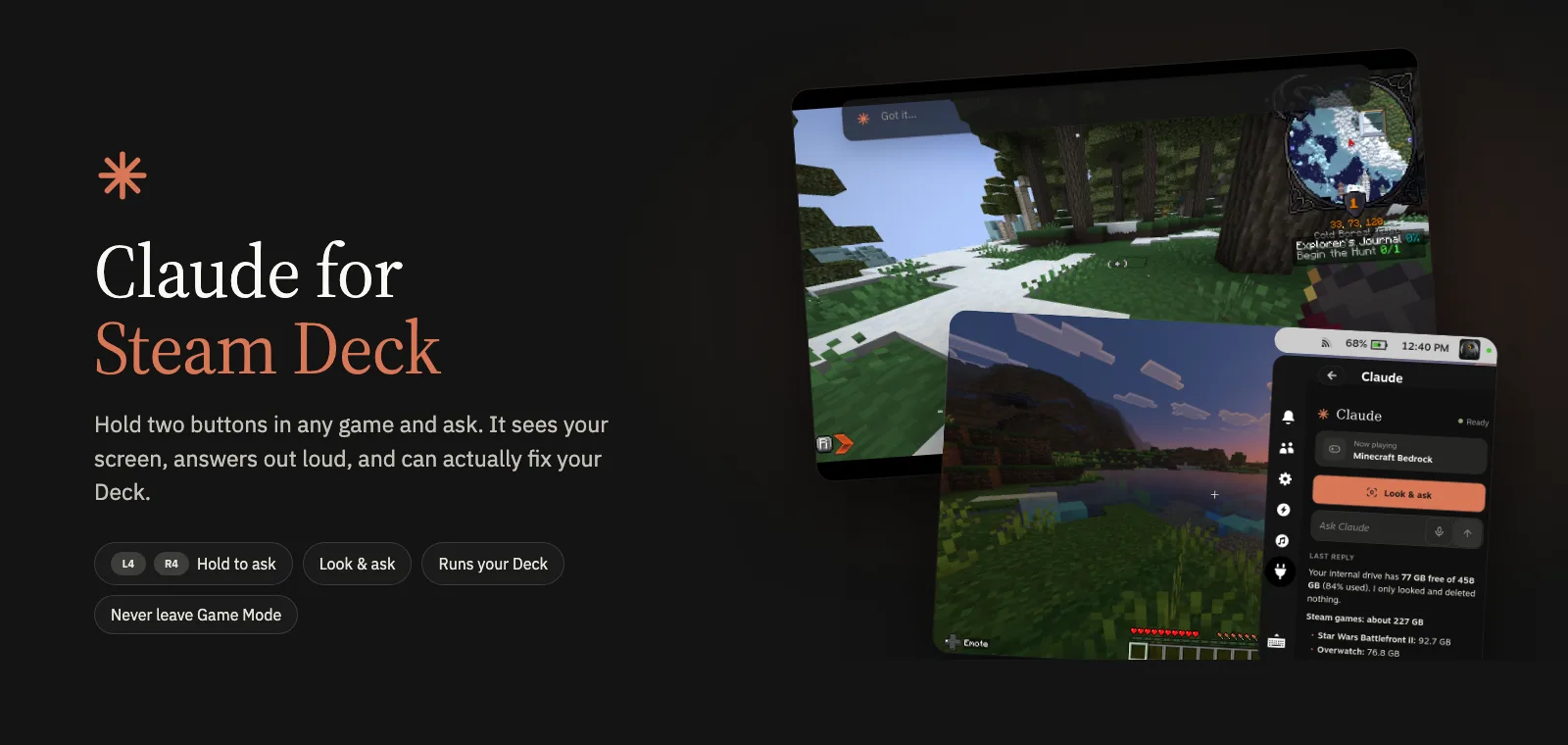
The before
Stuck in a game? Pause, grab your phone, search a wiki.
What I built
Hold L4 + R4 and ask. Claude can make the fix.
Features
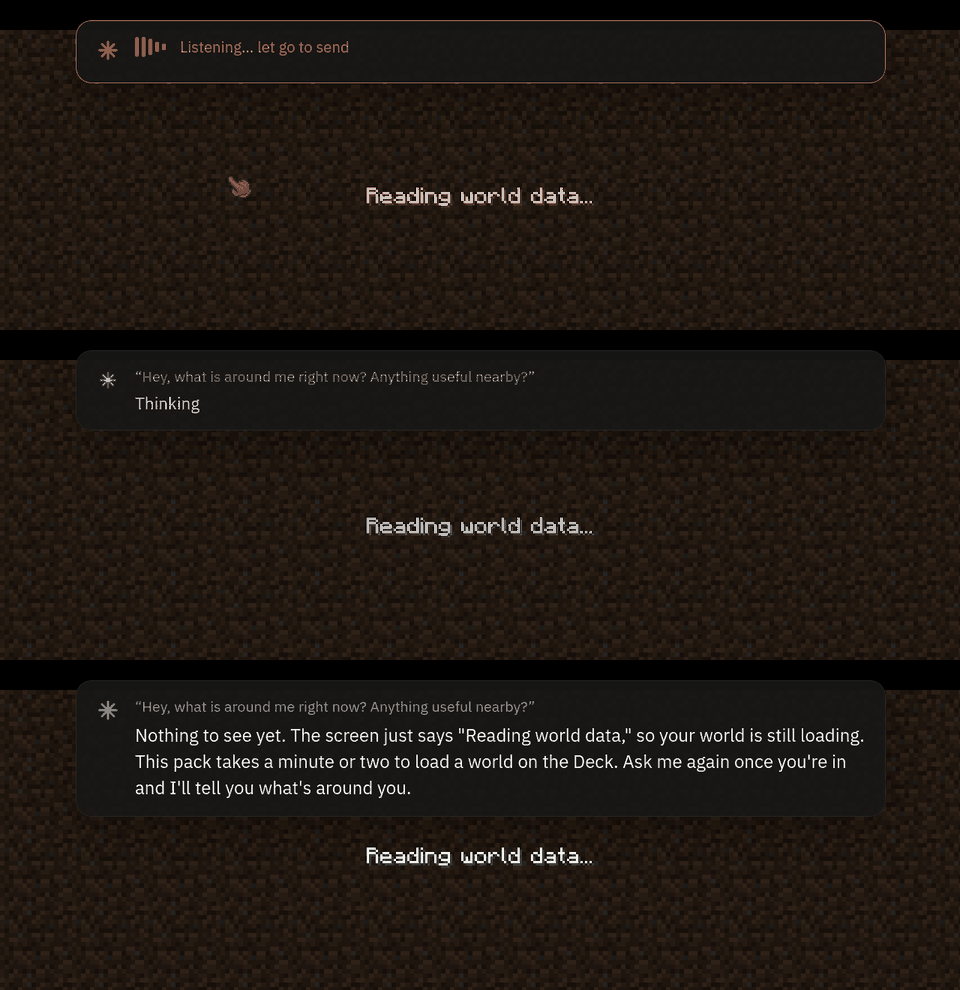
01Hold two buttons, ask
It sees the screen, listens, and answers out loud while the game keeps control.
02Ask about the screen
Lost in Minecraft? It reads the screen and tells you where to go.
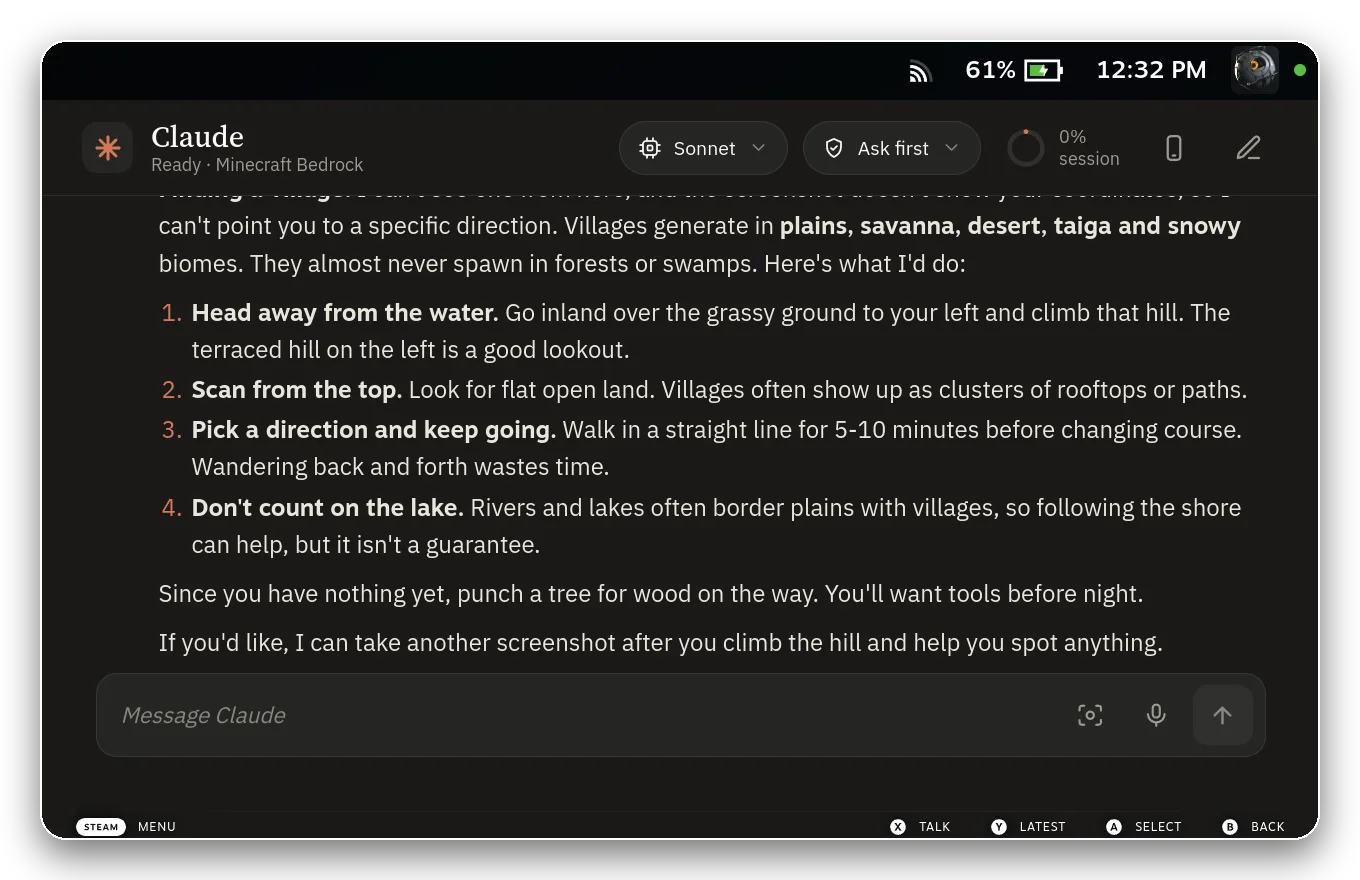
03It does the fix
It can change settings, install mods and read crash logs for you.
| You say | Claude can |
|---|---|
| “Make this run cooler” | Set FPS, refresh rate and power |
| “This keeps crashing” | Read the log and try fixes |
| “Back up my saves nightly” | Schedule it |
04It asks first
Risky actions need your OK, and some things are blocked no matter what.
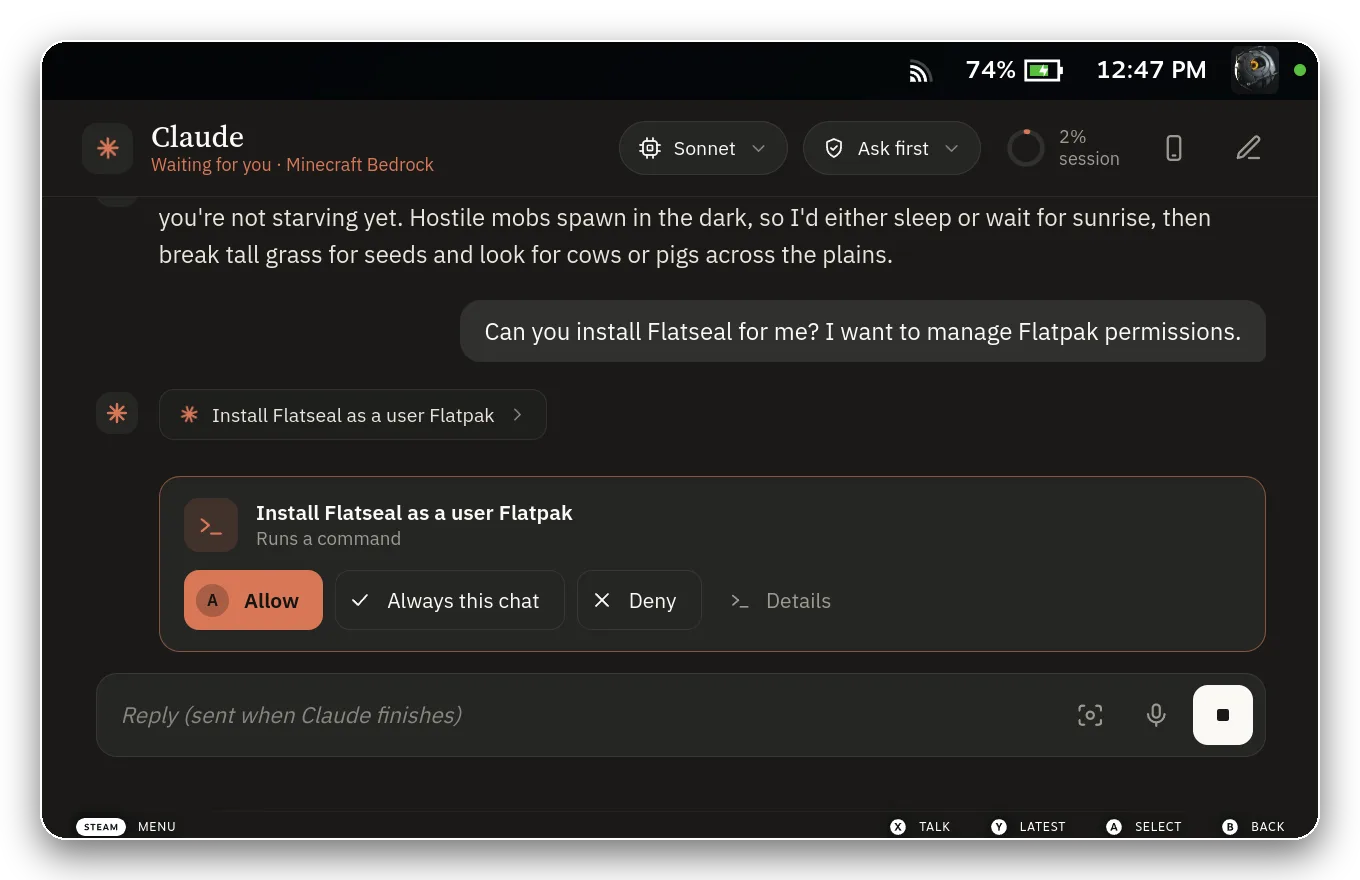
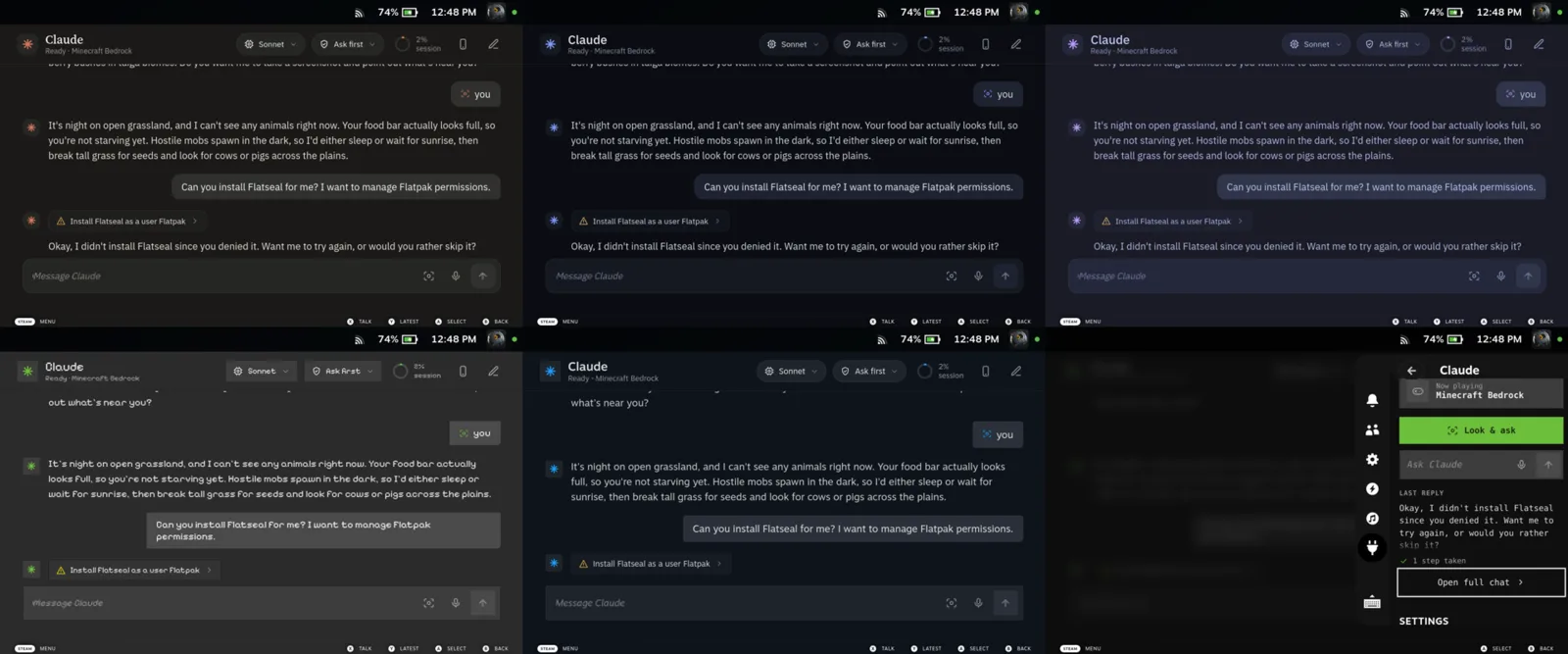
05Looks like it belongs
Five themes, including Minecraft, with replies sized for a 7-inch screen.
Why it matters
| Before | After | So what |
|---|---|---|
| Pause, phone, wiki | Hold two buttons | You stay in the game |
| Desktop Mode settings | Claude changes them | No more Desktop Mode |
| AI that acts unasked | Approval cards, hard limits | Safe on your Deck |
- Start Claude fresh every message4 s
- One session kept running (what shipped)1.2 s
Source: Seconds to first word, Mac lab test, Oct 2026
The Decky store bans AI plugins, so it ships through GitHub.
How it works
- Your controller
- Claude Deck plugin
- Claude Code on the Deck
- Steam + Deck tools
- Caption and voice
One Claude Code session on the Deck, reading the controller directly.
Technical details +
Hard problems
- Reading raw controller input while a game has focus.
- Drawing captions over a game without stealing input.
- Filtering game sounds out of speech-to-text.
Stack
- TypeScript + React (Decky UI)
- Python backend
- Claude Code + 16 Steam tools
- whisper.cpp + Piper on-device
What I learned
- —If the store says no, ship anyway. GitHub plus an Update button works.
- —Building was easy. It has almost no users yet, so next is showing people.
Into handhelds? I'll show you on my Deck over coffee.